

Referral Members Report
Last modified by Isaac Mejia on 2026/02/05 15:22
Last updated on February 05, 2026
Referral Members Report
Referral Members Report
Referral Report
Keep track of who has referred new members to you. With this information you can run referral promotions or offer reward points for every referral.This is also useful for tracking existing referral promotions.
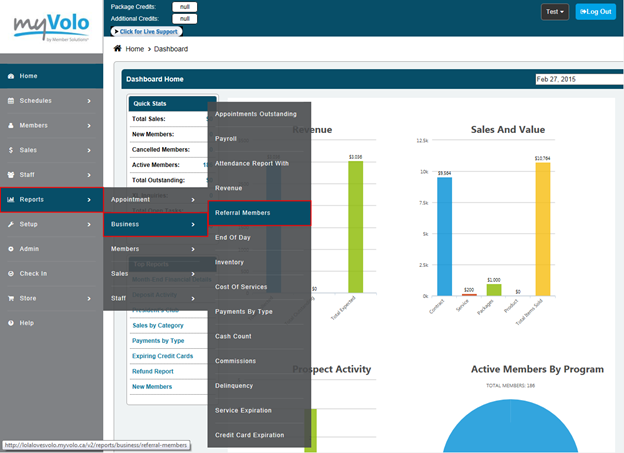
Click Reports
- Click Business
- Click Referrals
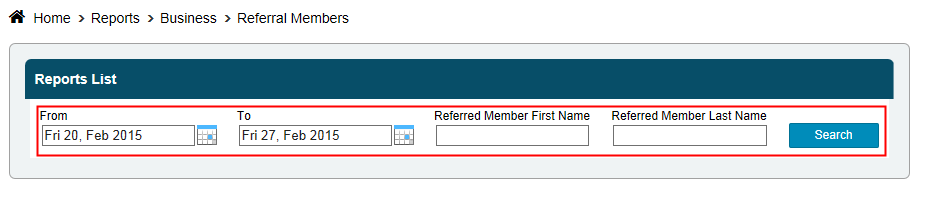
- Select the date range you want to look at by clicking the calendars, next to the from and to boxes, and selecting a date
- Select a specific member or leave at all
- Select referred by or leave at all
- Click Search
Still need help?
If you can’t find what you’re looking for, our support team is happy to help.