

Member Rates Report
Last modified by Isaac Mejia on 2026/02/05 15:22
Last updated on February 05, 2026
Member Rates Report
Member Rates Report
Member Rates Report
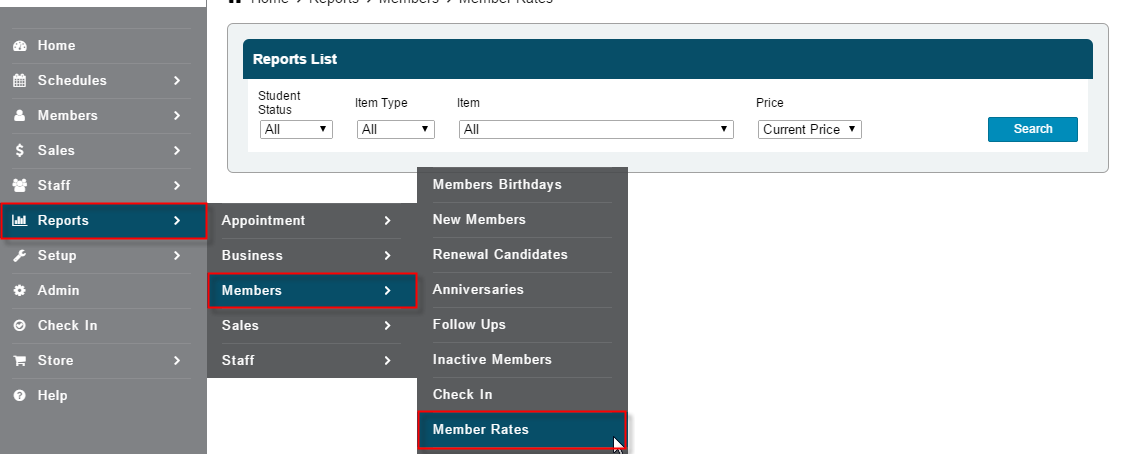
Track how much members are paying for particular products, services, and packages. As well, you can track which members have been given discounts on certain items.
Click Reports
- Click Member Rates
- Select member status
- Select Item type, the specific item, or leave at All
- Select to see the Current Price, prices Below, or prices Above
- Click Search
Still need help?
If you can’t find what you’re looking for, our support team is happy to help.