

Lead Flow - Attaching a Trial Package
Version 8.1 by Isaac Mejia on 2026/03/05 14:15
Lead Flow - Attaching a Trial Package
Overview
To initiate the trial package process, navigate to your system's lead flow configuration and follow the steps below.
Setup Steps
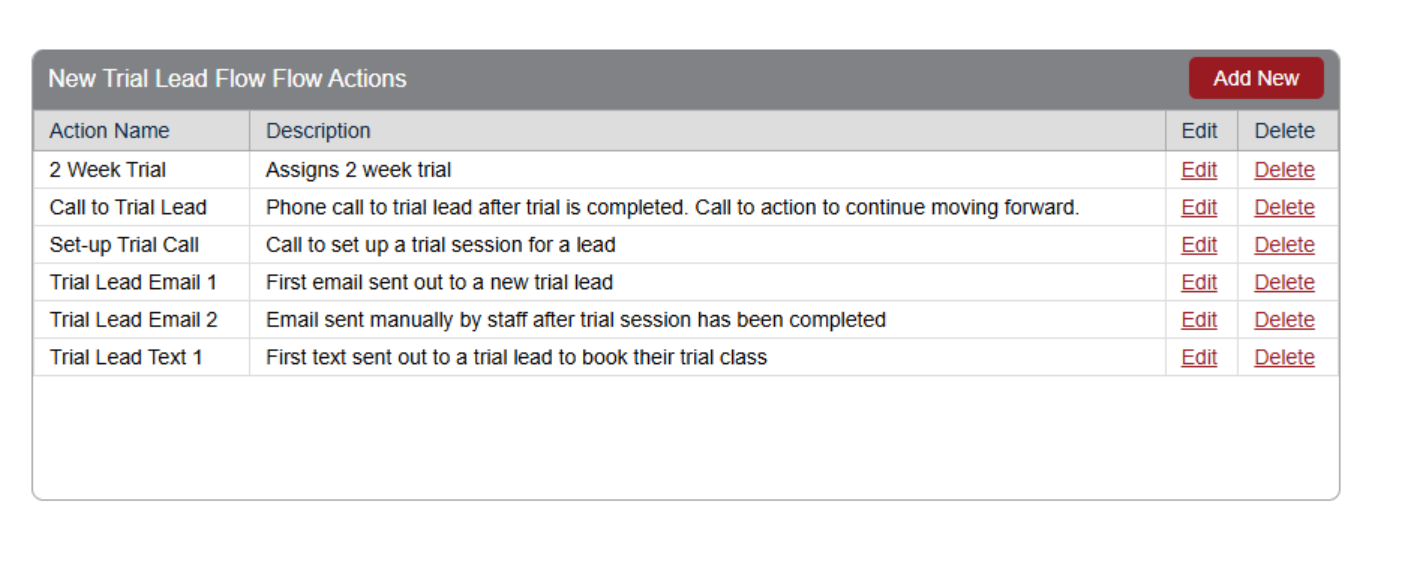
1. Navigate to Lead Flow Setup
Begin by accessing your system's lead flow configuration.
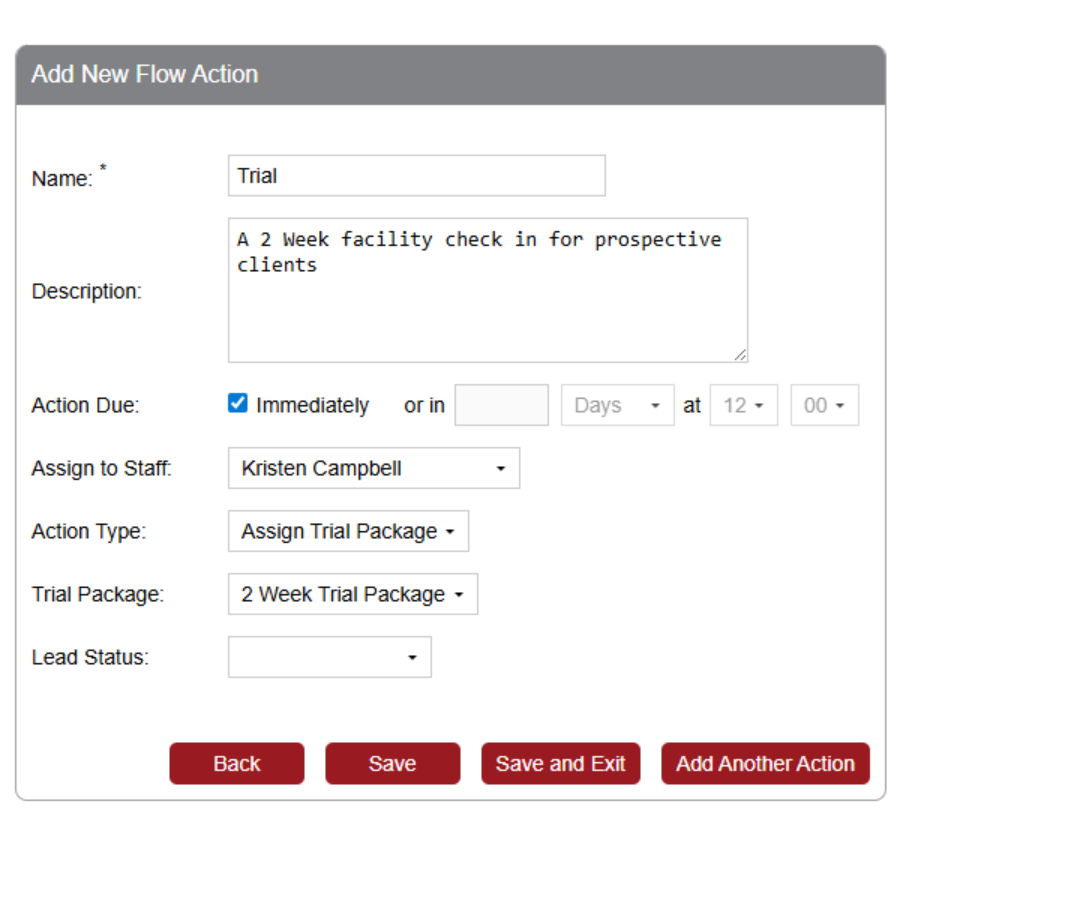
2. Select Action Type
Choose Trial Package from the Action Type dropdown.
3. Select a Trial Package
Currently, the only available option is 2 Week Trial Package.
Attaching the Lead Flow to a Lead Source
Once your lead flow is configured:
- Assign a Lead Source – Link the trial package lead flow to a specific lead source.
- Apply to Users – Any user associated with this lead source will automatically receive the trial package upon sign-up.
Package Activation and Expiration
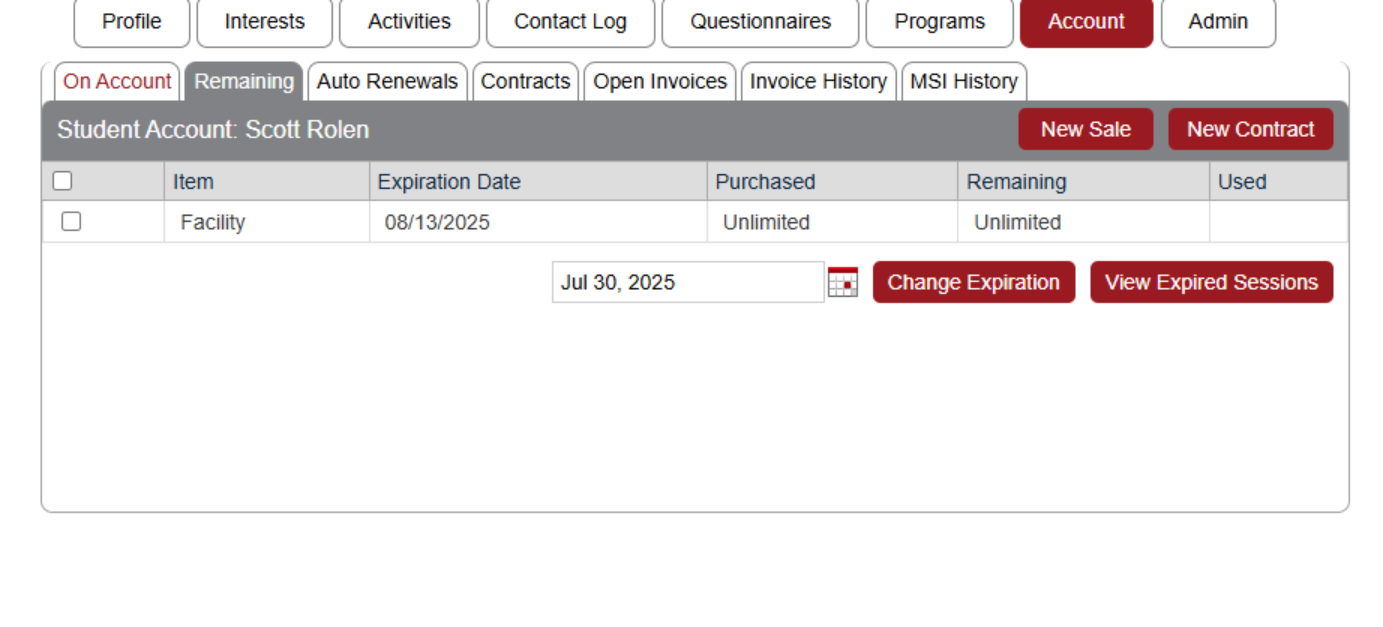
- Once assigned, the trial package appears in the user's account.
- The package is set to expire two weeks from the account creation date.
Important Considerations
Recommended Action: Configure an automated email notification to be sent immediately after the package is assigned to inform the user of their trial access.