

Staff Commissions
Last modified by Isaac Mejia on 2026/02/05 15:22
Last updated on February 05, 2026
Staff Commissions
Staff Commissions
Select the staff member by going to the
Staff tab. Choose the staff member, then click on Admin – Commission:
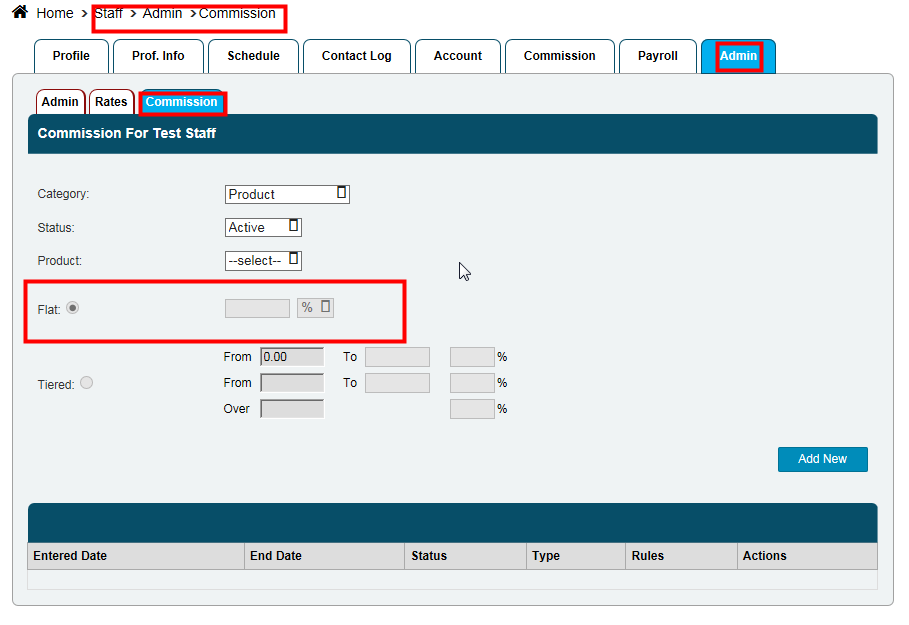
- Select the category or product which you’d like to change for this specific staff member. Then change either the
Flat or Tiered rate (as shown below), then click on Add New.
- If you ever want to change this back, just click on
Switch to Default:

Still need help?
If you can’t find what you’re looking for, our support team is happy to help.